
Connected in two minutes
No shop queue and no SIM card in the post. Download the app, pick a plan and install your eSIM before you’ve packed your bag.
eSIM set up in about 2 minutes · Free to download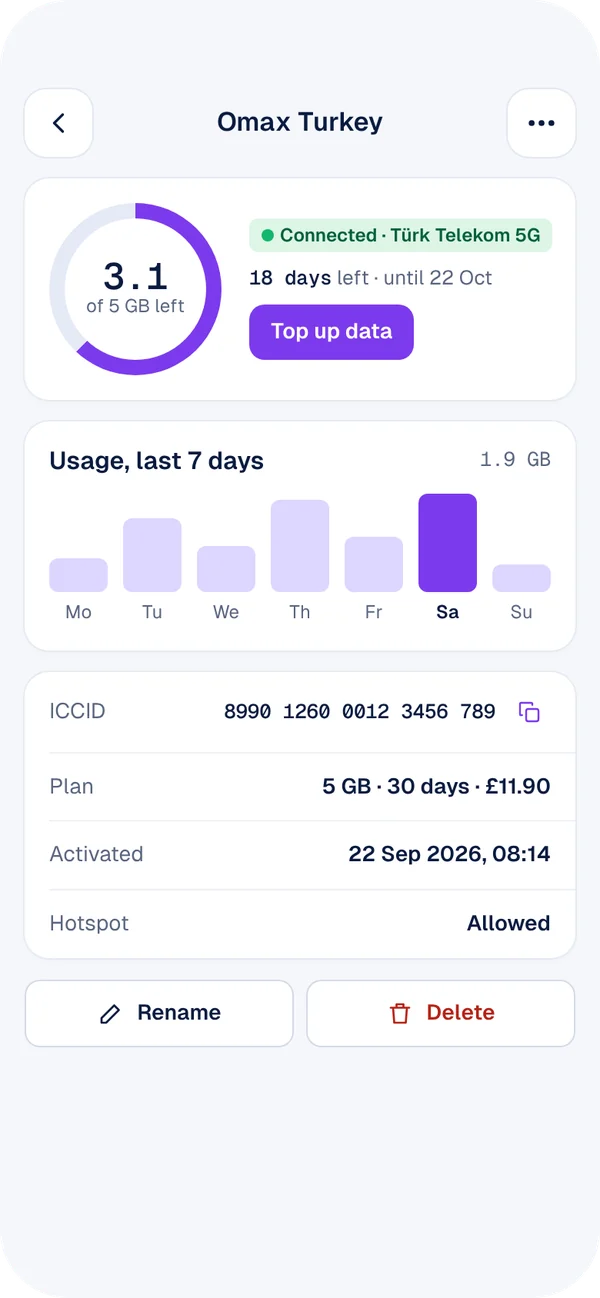
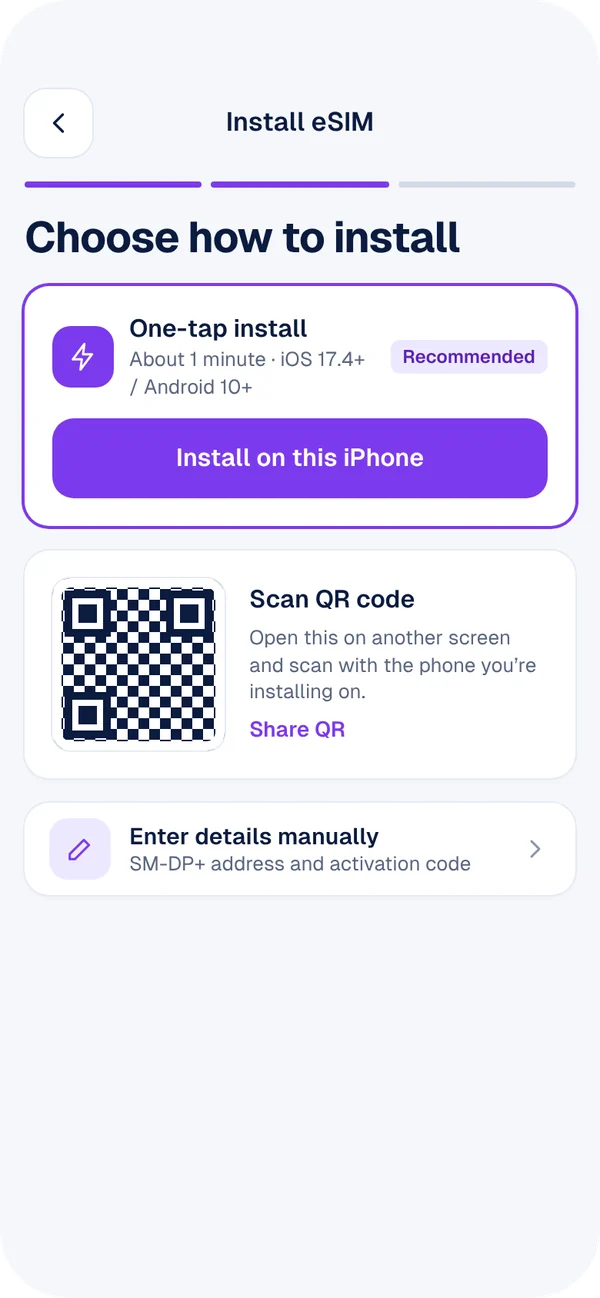
How it works
Download the app
Get OmaxMobile from the App Store or Google Play and create your account.
Choose your plan and number
Pick a plan and a new number, or enter a PAC code to keep the one you have.
Install your eSIM
Follow the steps in the app. You’re connected before you leave the house.
What you need
An eSIM-compatible phone
Most phones from 2019 onwards support eSIM. Your phone must be unlocked.
Photo ID
We verify every customer before a number is issued. Scan your ID in the app.
A payment card
Debit or credit card, Apple Pay or Google Pay. No upfront hardware cost.
Not sure your phone supports eSIM? Check in the help centre.
Ready to switch?
Choose a plan, then finish everything in the app.
Important information
An unlocked, eSIM-compatible device and a successful identity check are required. Keeping your number needs a PAC code from your current provider; your number usually moves across within one working day.