
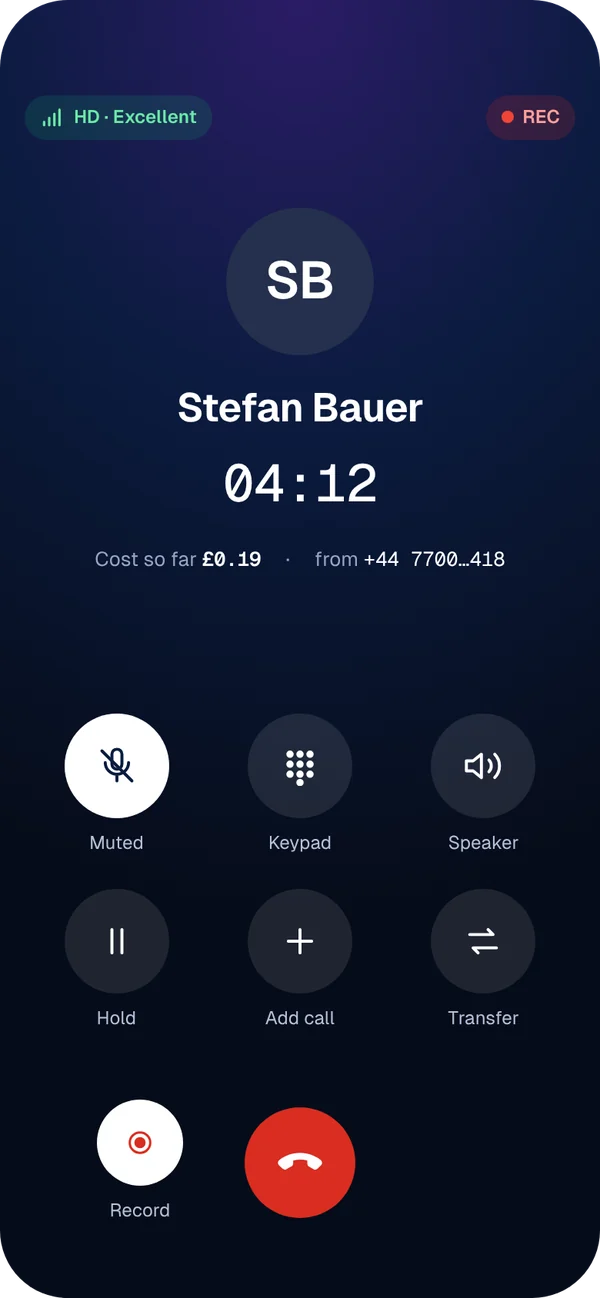
Why Wi-Fi calling
Call anywhere with Wi-Fi
At home, in a hotel or on a plane with Wi-Fi. If you have Wi-Fi, you have a phone line.
Included on every plan
No extra charge at home or abroad. Calls use your plan allowance as normal.
Same number
Your OmaxMobile numbers work over Wi-Fi exactly as they do on the mobile network.
How to turn it on
Open the app
Go to Settings and tap Wi-Fi calling.
Turn it on
Follow the prompts to register your phone for Wi-Fi calling.
Connect to Wi-Fi
Join any Wi-Fi network and your calls route over it automatically.
Wi-Fi calling questions
Does Wi-Fi calling cost extra?
No. It is included in every OmaxMobile plan, at home and abroad. Calls use your plan allowance as normal.
Can I use it when roaming?
Yes. Wi-Fi calling works anywhere you have a Wi-Fi connection, including when you are abroad.
What about emergency calls?
Emergency calls over Wi-Fi will connect to the local emergency service where you are located.
Important information
Wi-Fi calling needs a compatible phone and a Wi-Fi connection. Call quality depends on the Wi-Fi network. Emergency calls over Wi-Fi connect to the emergency service where you are.